- Phone lagging after updates?
- Apps opening slower than before?
- Animations feeling heavy and delayed?
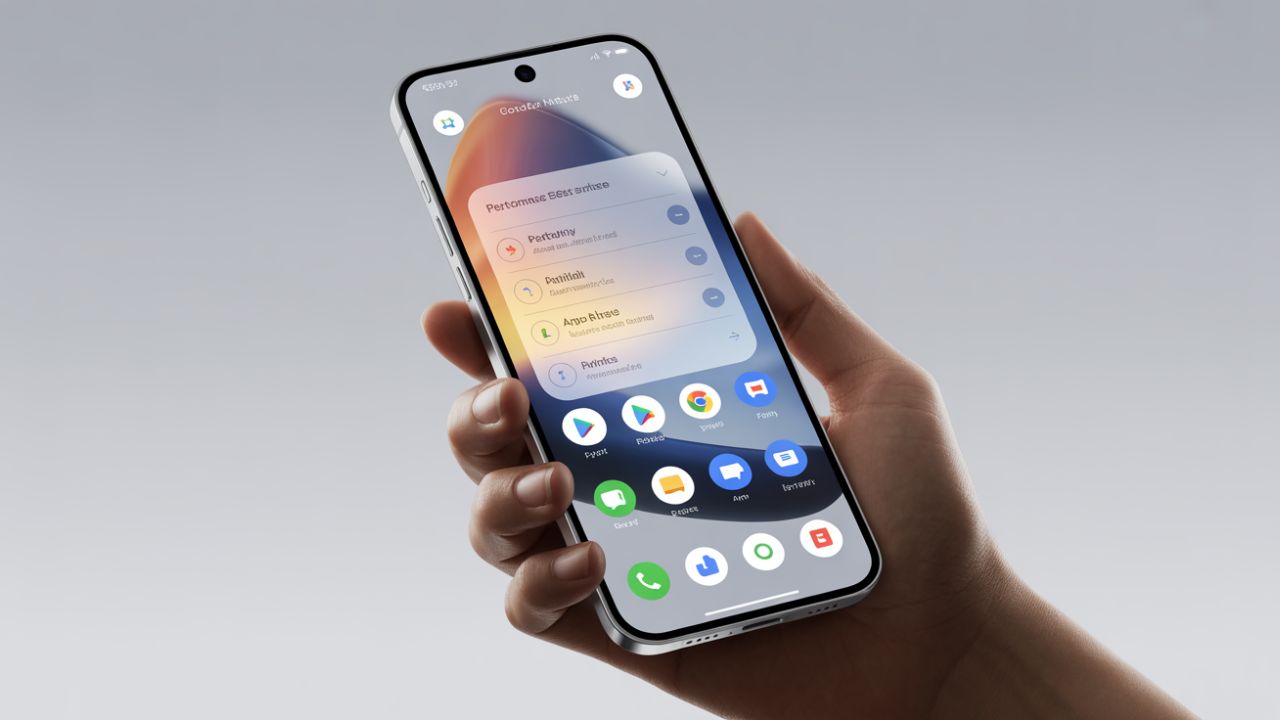
Before blaming your device or planning an upgrade, check one overlooked tweak inside smartphone performance settings.
This single change can make your phone feel faster within minutes—no apps, no factory reset, no risk.
Most users never touch it. Power users swear by it.
The Hidden Setting That Changes Everything
Animation Scale (The Speed Illusion Controller)
- Smartphones use animations to look smooth
- These animations actually slow perceived speed
- Reducing them instantly boosts responsiveness
Inside smartphone performance settings, animation scale controls:
- App opening speed
- Screen transition delay
- Multitasking smoothness
Less animation = faster feel.
Where to Find This Setting (Step-by-Step)
Works on Almost All Android Phones
Follow this exactly:
- Open Settings
- Go to About Phone
- Tap Build Number 7 times
- Developer Options will unlock
- Open Developer Options
- Scroll to Animation Scale
You’ll see:
- Window animation scale
- Transition animation scale
- Animator duration scale
This section is the heart of smartphone performance settings.
What to Change (Recommended Values)
For best results:
- Set all three animation scales to 0.5x
- Or turn them Off for maximum speed
What happens next?
- Apps launch faster
- Scrolling feels smoother
- Phone reacts instantly to taps
No data loss. No battery damage. Just smarter smartphone performance settings.
Why This Makes Your Phone Feel Faster
- Animations delay real actions
- Reducing them removes waiting time
- Your hardware was always capable
This trick doesn’t increase RAM or CPU—but it removes visual lag.
That’s why it’s one of the most effective smartphone performance settings tweaks ever.
Real-World Results You’ll Notice Immediately
Users report:
- 🚀 Faster app opening
- ⚡ Quicker multitasking
- 📱 Smoother navigation
- ⏱️ Less touch delay
Especially useful for:
- Budget smartphones
- Phones older than 2 years
- Devices slowed after updates
This is why tech enthusiasts always tweak smartphone performance settings first.
Does This Affect Battery or Safety?
Short answer: No
- Animations consume processing time
- Fewer animations = slightly better efficiency
- No harm to hardware
- Fully reversible anytime
Unlike risky apps, this built-in smartphone performance settings tweak is safe and trusted.
Who Should Use This Setting?
Perfect for:
- Students using online apps
- Office users switching apps frequently
- Gamers wanting faster transitions
- Anyone frustrated with phone lag
If your phone works but feels slow—this is the fix.
Common Mistakes to Avoid
- Installing “speed booster” apps
- Clearing RAM repeatedly
- Factory resetting unnecessarily
- Ignoring built-in smartphone performance settings
Your phone already has optimization tools—use them.
Extra Tip: Combine With These Settings
For even better results:
- Disable unused background apps
- Reduce live wallpapers
- Keep storage at least 20% free
- Update apps regularly
All these work alongside smartphone performance settings for a smoother experience.
Final Thoughts: Try This Before Buying a New Phone
Most people upgrade phones because of lag—not hardware failure.
One smart tweak inside smartphone performance settings can:
- Save money
- Extend phone life
- Improve daily usability instantly
Before spending thousands on a new device, try this hidden setting once.
You’ll feel the difference immediately.
Click here to see some high performance smartphones.
FAQs (Schema-Friendly)
What are smartphone performance settings?
Smartphone performance settings are built-in options that control speed, animations, background activity, and responsiveness.
Does reducing animation scale damage the phone?
No. It only reduces visual effects and is completely safe.
Can I revert the changes?
Yes. You can reset animation scale anytime from Developer Options.
Is this available on all smartphones?
This setting is available on most Android devices. iPhones manage animations automatically.
Will this increase gaming performance?
It improves navigation speed but doesn’t increase FPS. It still helps overall responsiveness.
Read More : Most Power Banks Lie About Capacity — I Tested the Power Bank Real Capacity
Safest Fast Charger for Smartphone: I Tested 5 Popular Brands — One Stood Out